Snooze Mode on MG Dating
Put dating on hold with Snooze Mode.

Put dating on hold with Snooze Mode.
Snooze Mode is an easy way to pause your account when you want to take a breather from dating. You can still chat with your existing connections, it just hides your profile from other people until you’re ready to get out there again. You won’t lose your profile information or delete existing connections by activating Snooze Mode.
Download MG Dating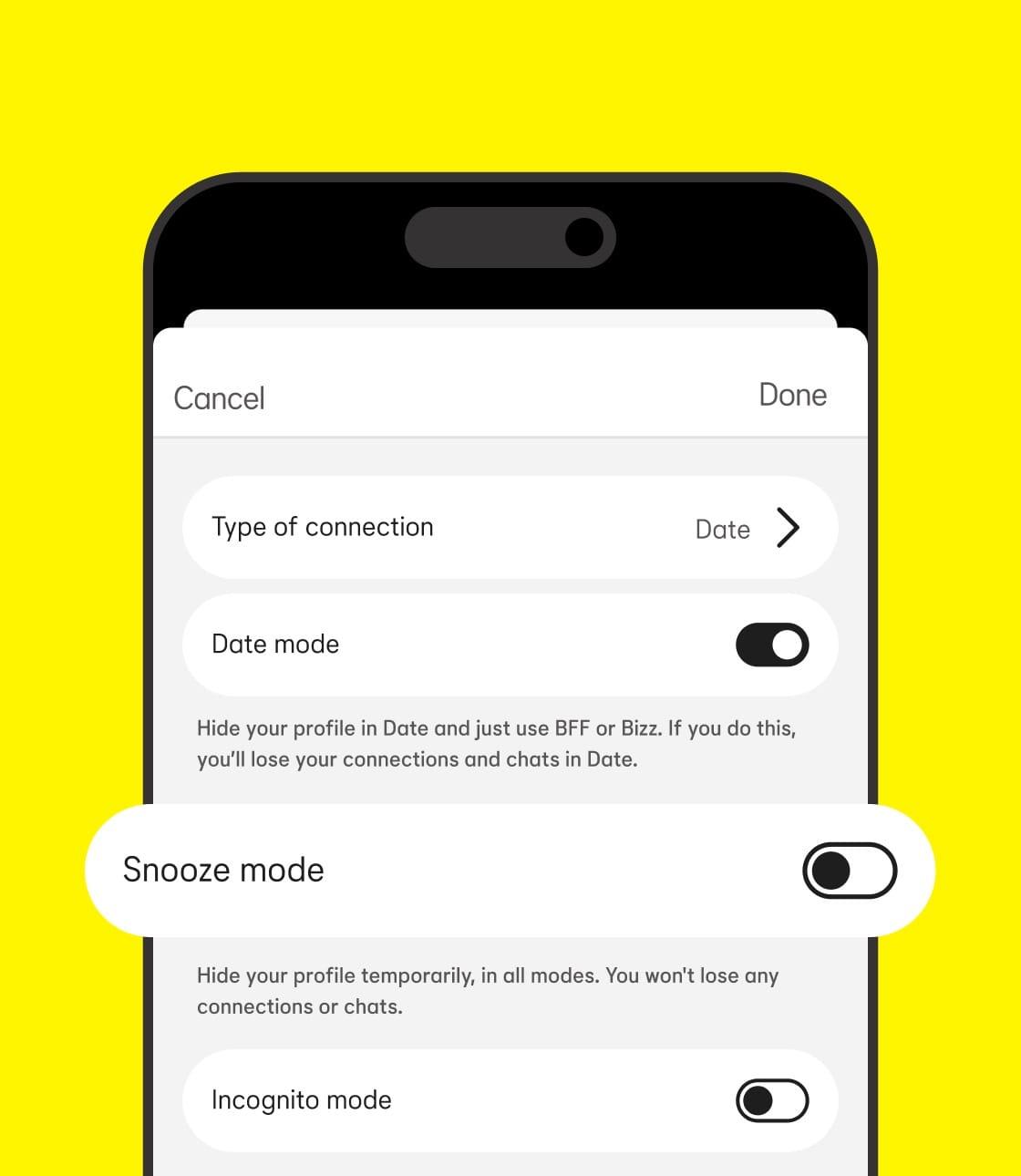
Activating Snooze Mode pauses your MG Dating (or MG Friends) account. Your matches won’t know you’re on Snooze Mode unless you tell them. If you decide to wake up from your Snooze Mode sooner than the timeframe you initially chose, just return to Settings and tap “deactivate Snooze Mode.” It’s as easy as that.
Download MG Dating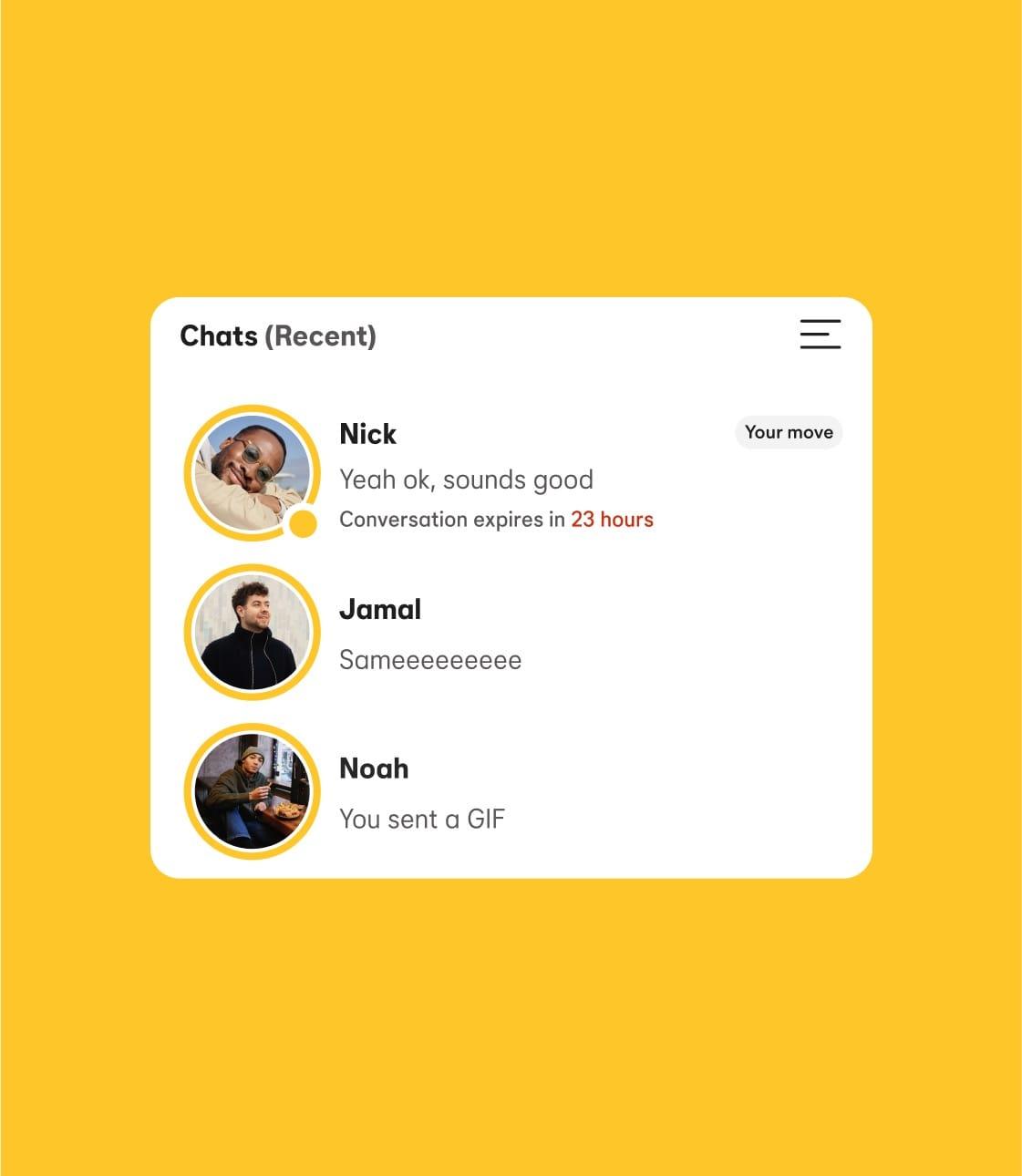
While you're in Snooze Mode, you can choose to let existing connections know you're taking a breather with a status update. Pick from 'I'm traveling', 'I’m focused on work', 'I’m on a digital detox', or 'I’m prioritizing myself'. Whatever your vibe, we’ve got you.
Download MG Dating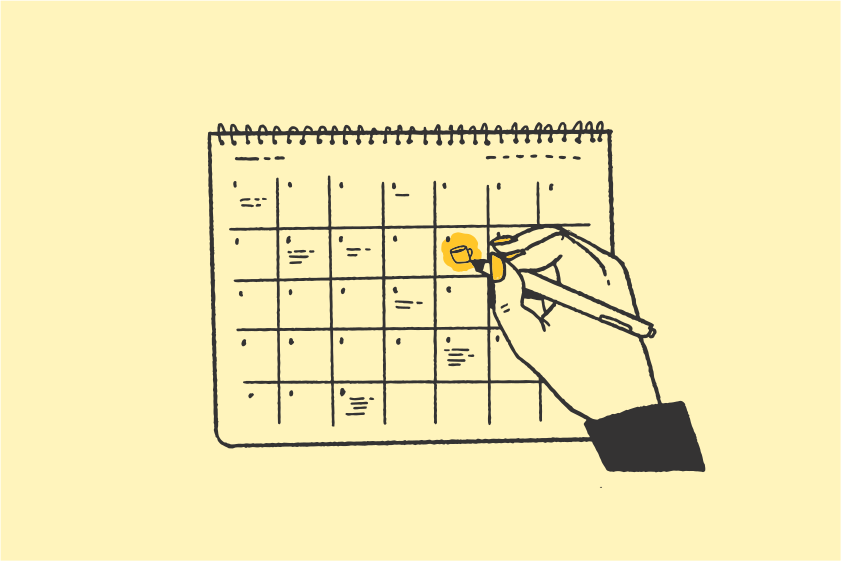
Open the MG Dating app, visit your profile tab, and tap the settings cog in the top right corner. In your Settings, tap Snooze and choose how long you'll be away for. You can hide your profile for 24 hours, 72 hours, a week, or indefinitely.
Remember, matches without active chats will expire while you're in Snooze Mode. If you decide to set a status, people you’re currently chatting with will be able to see that you’re away.
Download MG Dating
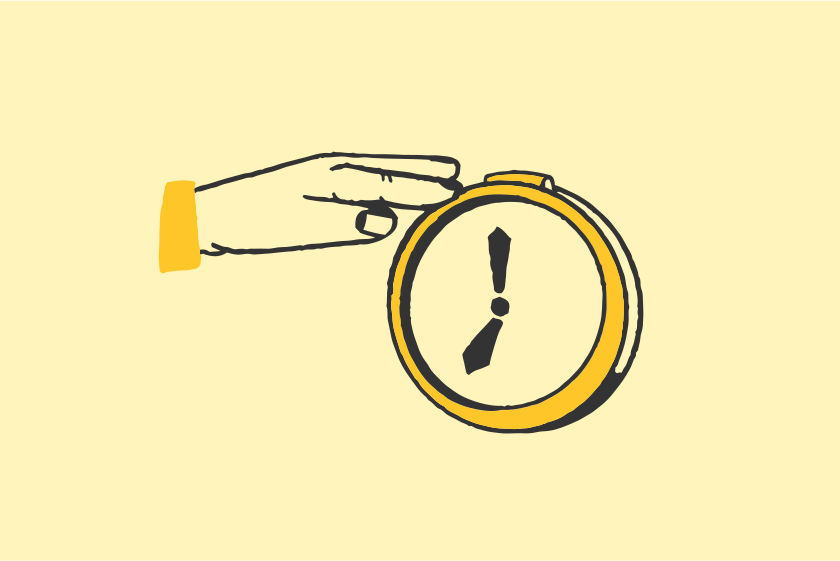
You have total control over your MG Dating activity, and can step away from the platform whenever you want.
Take a break from actively dating without losing your connections or chats.
You can keep existing connections up to date using your status update, so it doesn’t look like you’ve ghosted. Plus, it’s all automated—so you don’t need to send any messages.
Go to settings, tap Snooze, and choose how long you want to be away. Come back whenever you feel ready.
People you've already messaged will see your ‘Away’ status (if you choose to set one). Otherwise, they’ll see your previous messages in their Inbox as normal.
Nope—while in Snooze Mode, all swipe-and-chat activity is paused. When you go to see new people, you’ll see a message telling you how long Snooze Mode will run for, with the option to deactivate it.
Yes, you can visit your settings or your queue and switch Snooze off whenever you like.
Apple and the Apple logo are trademarks of Apple Inc. Google Play is a trademark of Google LLC.