Travel Mode on MG Dating
Find your duty-free snack and match anywhere in the world with Travel Mode.

Find your duty-free snack and match anywhere in the world with Travel Mode.
Travel Mode is your ultimate tool for making connections while you’re away. Set your location to anywhere in the world, and your profile will show up as being in the city you choose. It means you can tap into the dating scene wherever your adventures take you.
Try it now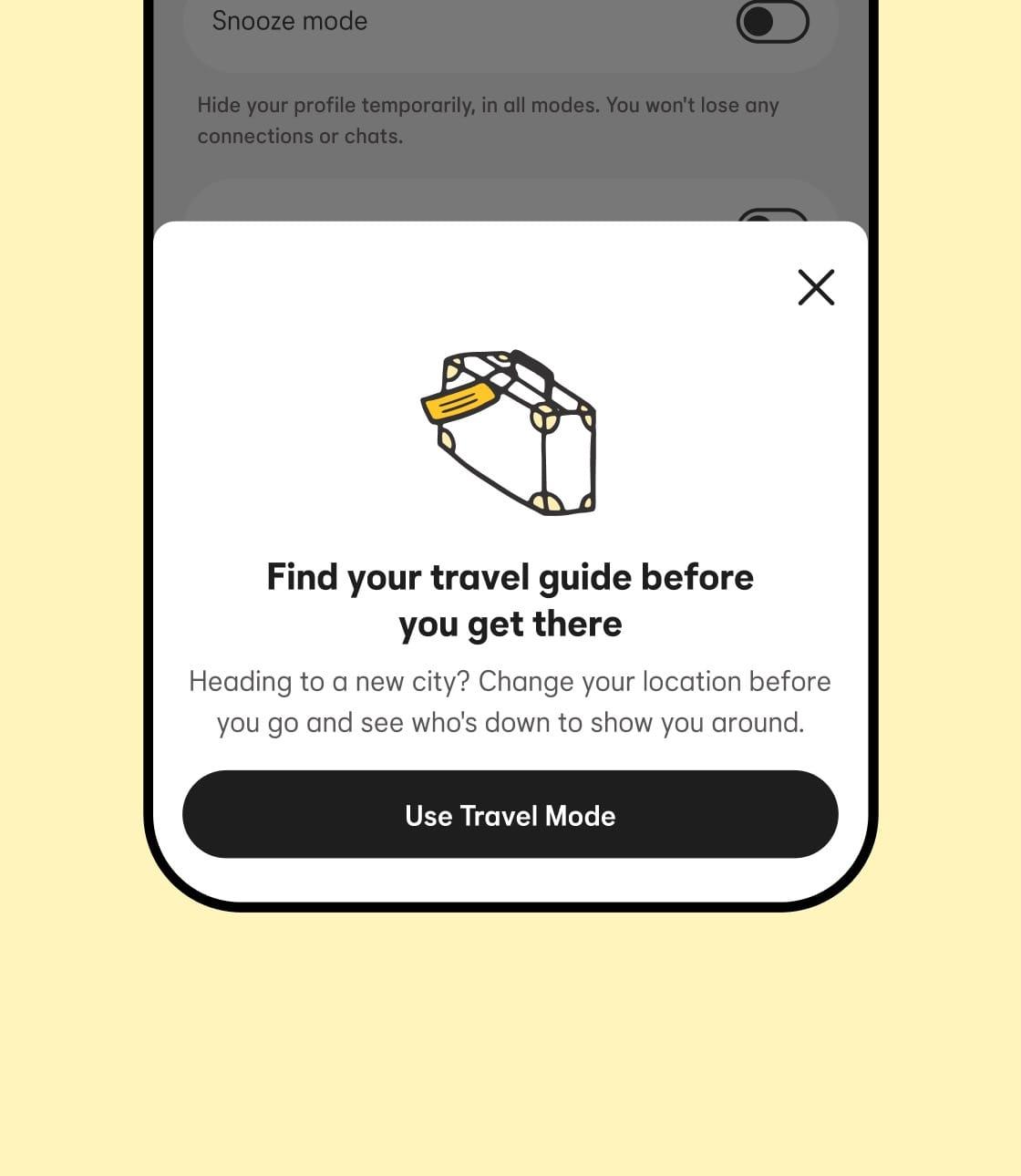
Travel Mode is available to Premium and Premium+ members on MG Dating. Tap on the Settings cog in the top right of your profile and scroll until you see Travel Mode. Choose your new location to start seeing people in that area. Your profile will let potential dates know you’re in Travel Mode.
Download MG Dating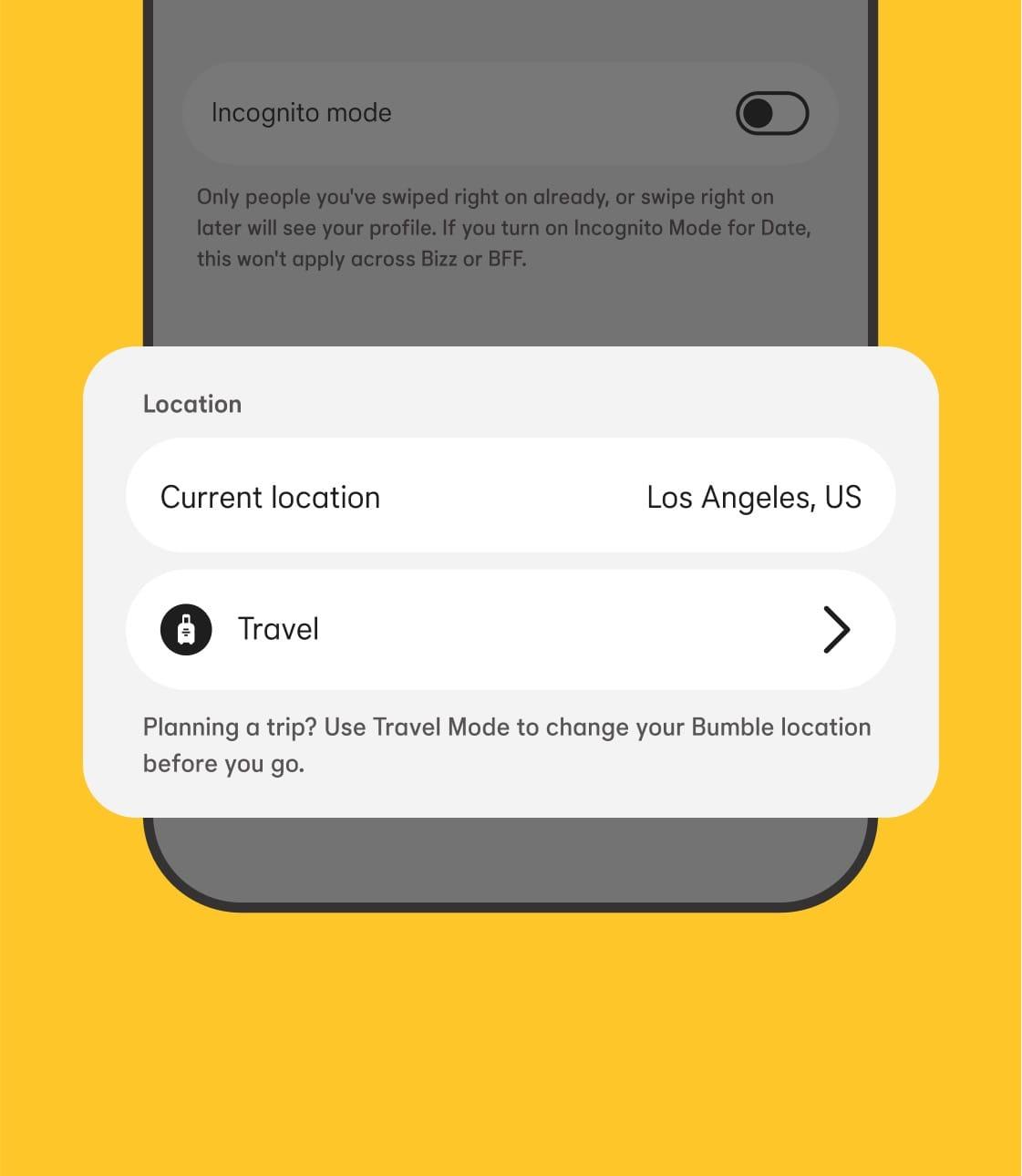

No one knows a place better than the locals. Travel Mode can help you connect with the people who’ll make your trip extra special.

Think beyond just beach trips—you might be home for the holidays, traveling for work, or exploring a new city. Find romance wherever you land.

Set your location to the city up to seven days before you go, so you can plan dates and meet matches ahead of time.
Premium members can use Travel Mode. Switch it on and your queue will show you new faces in your chosen city.
Travel Mode will show your location as the center of your chosen city, so new connections in the area can find you. They’ll see a note on your profile that you’re in Travel Mode, so they know you’re visiting, or planning to visit.
Pretty much—we have a few safety restrictions that can change over time, but Travel Mode is available for most destinations.
Apple and the Apple logo are trademarks of Apple Inc. Google Play is a trademark of Google LLC.